Hotkey Sauce
Type less. Sauce more.
The playful text expander that lives in your Mac menu bar. Type ;addr anywhere → get your full address instantly.

Thanks for reading —
See it work
Watch Hotkey Sauce expand snippets across your Mac — from library to Notes to Slack
The flow: Add a snippet like ;sig to your library → Type it in Notes and boom, instant signature → Try ;addr in Slack and your address appears. Pure magic, system-wide.
How it works
Three simple steps to spice up your workflow
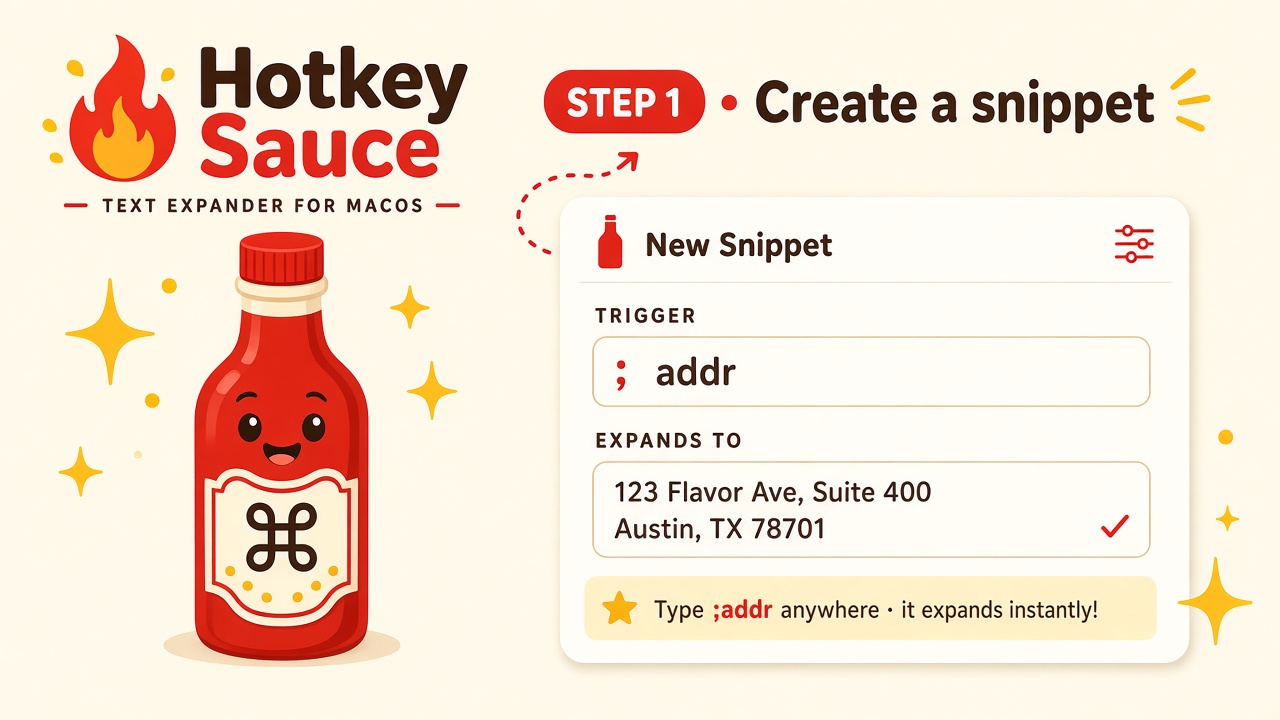
Create a snippet
Give it a short trigger like ;addr and the full text you want expanded. Works for addresses, signatures, templates, code blocks — anything you type repeatedly.
Pro tip: Start triggers with a semicolon so they won't trigger accidentally while you type normal text.
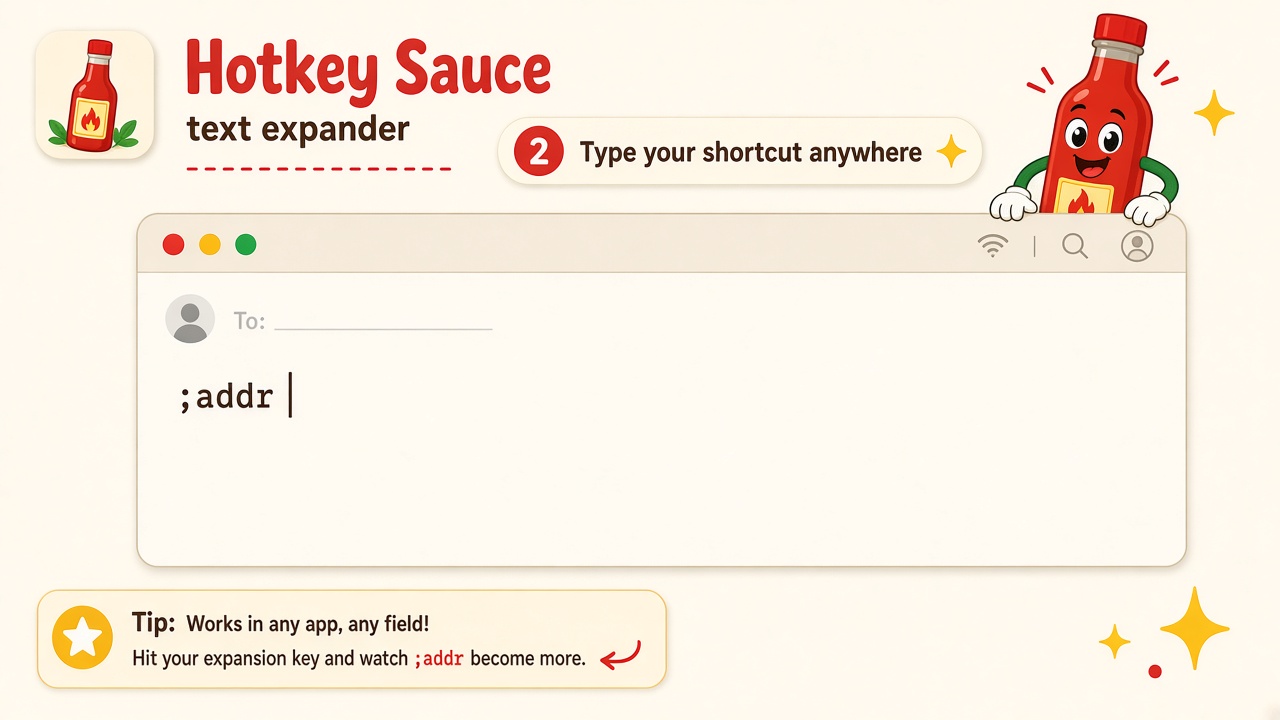
Type your shortcut anywhere
Hotkey Sauce monitors your typing system-wide. Type ;addr in any app — email, Slack, docs, code editor, browser — and it's ready to expand.
Works everywhere: Truly system-wide. Any app, any text field, any time. It just works.
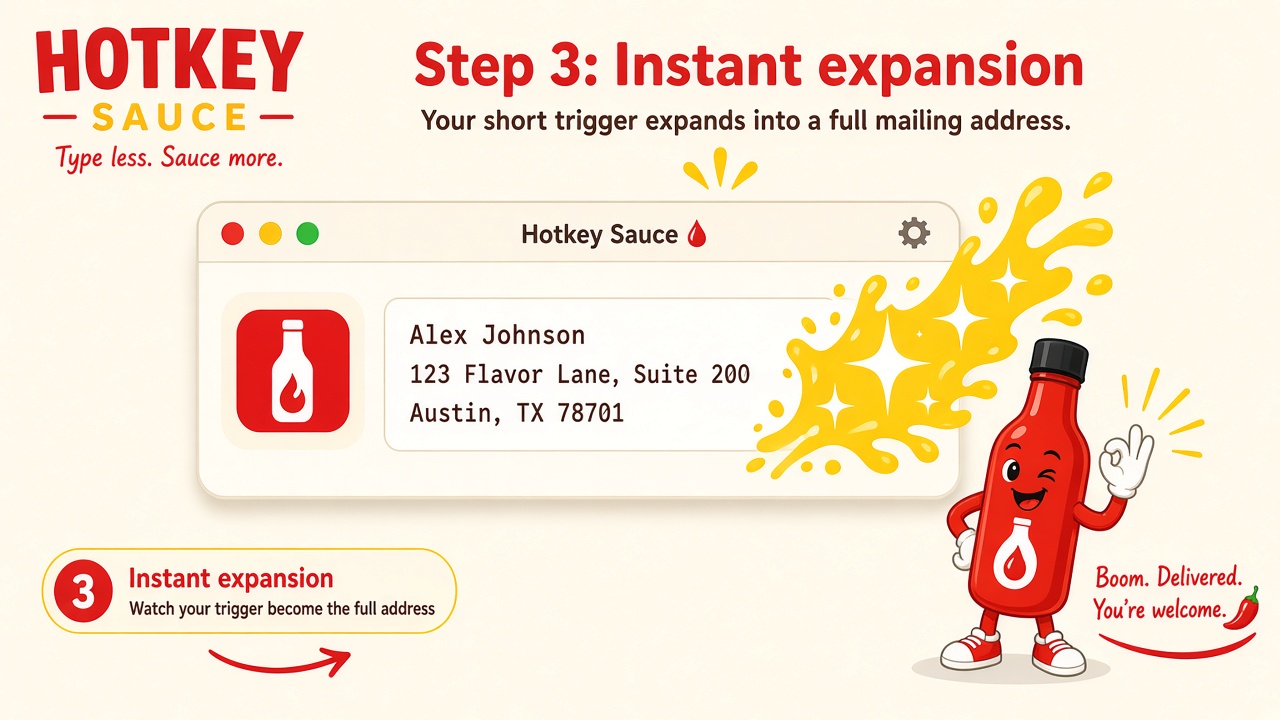
Instant expansion
Boom. Your trigger becomes the full text — instantly. Your mailing address, your email signature, your meeting invite template. Whatever you need, delivered in milliseconds.
Feels like magic: No clicking, no menus, no interruptions. You type, it expands. Pure flow.
One sauce. Every workflow.
Make it yours.
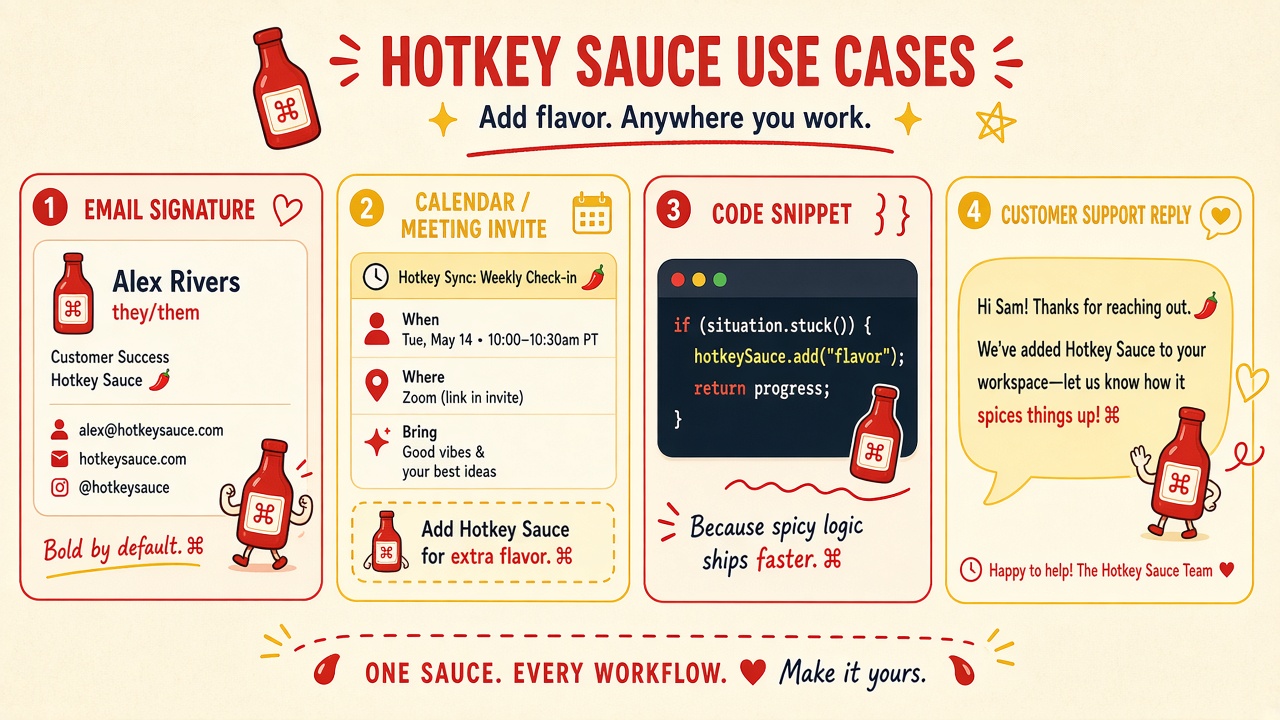
Email Signature
Never type your contact details again.;sig → full name, title, email, socials, formatted and ready.
;sig →
Alex Rivers
they/them
alex@company.com
@handle
Calendar / Meeting
Send meeting invites and reminders in seconds.;meet → pre-formatted invite with time, place, agenda.
When: Tue, May 14
Where: Zoom
Bring: Good vibes ✨
Code Snippet
Boilerplate, imports, templates — expand them in your editor.;for → full loop structure.
if (stuck()) {
  addSauce();
  return win;
}Support Reply
Save your best responses.;thanks → warm, personalized reply template. Stay helpful, stay fast.
"Hi! Thanks for reaching out. We've added Hotkey Sauce to your workspace — let us know how it spices things up! 🌶️"
Power move: Snippets can contain other snippets.
Rich text formatting, dynamic tokens (date, clipboard, prompts), and more. Build your perfect workflow.
Packed with flavor
Instant Expansion
Type your trigger anywhere in macOS and watch it expand. ;date becomes today's date, ;meet becomes your meeting template.
Search Palette
Press ⌥⌘Space to open the snippet search. Fuzzy find any snippet, hit Return, and it's inserted instantly.
Smart Tokens
Add placeholders that fill in dynamically: current date, time, clipboard contents, cursor position, custom prompts, UUIDs. Build powerful templates with ease.
Get Hotkey Sauce
Every update builds a fresh Mac app zip you can download from this site.
Installation steps:
- 1Download and unzip
- 2Drag
Hotkey Sauce.appto your Applications folder (optional, but keeps things tidy) - 3
If macOS blocks the app from opening:
Right-click (or Control-click)
Hotkey Sauce.app→ Open → Open - 4Grant Accessibility permission when macOS asks — the app needs this to watch for your shortcuts and expand them
Early build note: This is a friends-and-family release. Upcoming versions will go through Apple notarization for one-click installs — until then, the Right-click → Open flow gets you in.
Requirements: macOS 13 (Ventura) or later